 Yono
YonoUpdated 24 October 2026.
Download the Android file

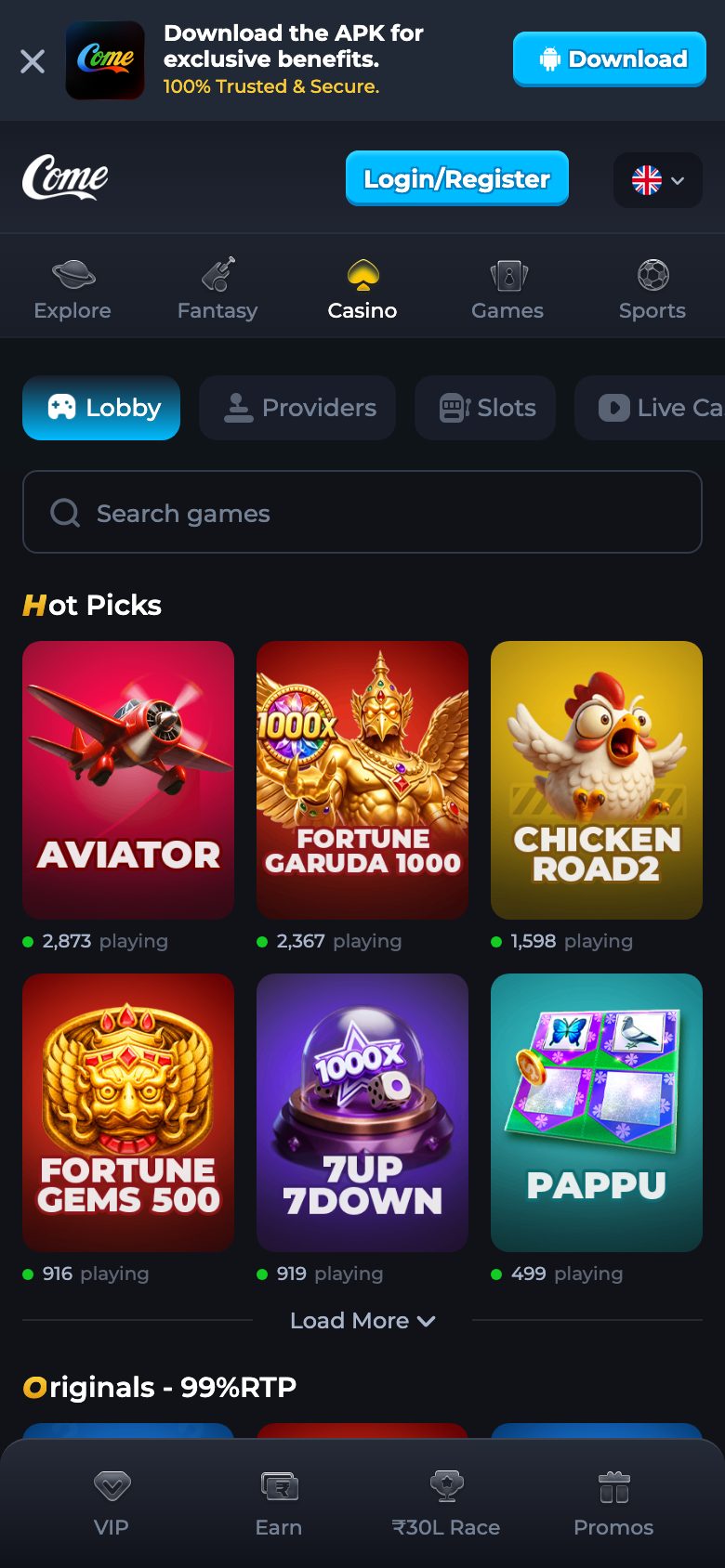
Press Download APK on this site and wait until the saved file is 2,569,509 bytes. The name should stay yono.apk. That is the whole download. A second link in a chat window is not a backup of this file.
When this applies
Use this guide when you are about to save the Android file, when a download seems stuck at a small size, or when someone has already sent you an apk and you want to know whether to ignore it. If the icon is already installed and you only need the version line, use name and version instead.
If you do not want an install at all, you do not need this guide. Play on the website opens the channel in the browser. This page is only the file.
Before you press the button
Note the address. It should be this preview, path /downloads/yono.apk. The website and the game guide use that same address on their Download buttons. If a page offers a different file name, you have left the measured copy.
Give the phone enough free space for the full file and for the installer to unpack it. A storage bar that is already full will fail later and look like a bad file. Free a little space first. You do not need to clear the whole phone.
Do this
- Press Download APK. Allow the browser to save a file if it asks.
- Watch the size while it moves. Leave the download alone until it stops growing.
- Read the finished size. 2,569,509 bytes is the full file. About 2.5 MB is the same file rounded by the phone. Anything much smaller is incomplete.
- If the size is short, delete that partial file. Press the same button once. Do not start a second overlapping download on top of the first.
- Open the finished file. The installer should name the app Yono. Cancel if it names a bank or another brand.
- Finish the install, then open the system app info and confirm version name 1.0.1 before you log in.
- Ignore any Download banner you later see inside the channel. That banner is not this step.
What the phone shows
Chrome, or the browser you used, shows a download notification. The file name on a clean save is yono.apk. Android’s install sheet then shows the application label and asks you to confirm. If installs from this browser are blocked, the sheet sends you to a system setting. That setting is covered on install stops. Turn it on for this install, then you can turn it off again.
A scan warning that only says the file came from outside a store is the ordinary prompt for a package installed this way. Read the label and the size before you accept it. A warning is not a reason to replace the file with one from chat.
A finished file and a short one
| What finished | Size you should see | What to do |
|---|---|---|
| This preview’s button | 2,569,509 bytes, about 2.5 MB rounded | Install, then read version name 1.0.1 |
| Stopped early | Far under that size | Delete it and download once more |
| Chat attachment | Whatever the message sent | Do not install it from this guide unless size and later version name match |
| Channel banner | Not measured here | Do not treat it as version 1.0.1 |
After the save
Installation is the next guide only if the sheet stops or complains. A quiet finish goes to the version check, then to login. The login field inside the app wants a mobile number without the country code. Email sign-up on this build is not available. Have the phone that receives the SMS nearby, and keep the code on that phone.
You can delete the apk from the download folder after the icon exists and the version name reads 1.0.1. Keeping it is also fine. It does not log you in by sitting in the folder.
If the button itself does nothing
Some browsers open Play-like links and swallow a file link. Long-press Download and save the link, or try the same address in Chrome, which the channel’s own strings already name as a browser people use. The file is not hidden behind a search. Retype nothing into a search box.
If the save starts and then fails at the same small size every time, switch networks and try once. A file that cannot reach 2,569,509 bytes on two networks is still not a reason to take a replacement from a directory of other apps. Wait and use this button again.
What this download page will not hand you
It will not hand you a second build, an iPhone file, a package name, or a minimum Android version. It will not tell you the channel banner is identical. It will not walk through removing some other app. One button, one size, one version name. If the notification already shows the full size, you do not need to download again before you read the installer label.
Questions
Which button is the measured file?
Download APK on this app preview. The address ends in yono.apk.
The phone shows about 2.5 MB. Did it finish?
Yes, if that is the phone rounding 2,569,509 bytes. A number far below that did not finish.
Can I get the file from the website instead?
The website’s Download button points here. It is the same file, not a second copy.
A friend sent yono.apk. Is the name enough?
No. The size has to be the full file, and the version name after install has to be 1.0.1.
Should I look online if this download fails?
No. Use this same button again. These pages do not name another host for the apk.