 Yono
YonoUpdated 24 October 2026.
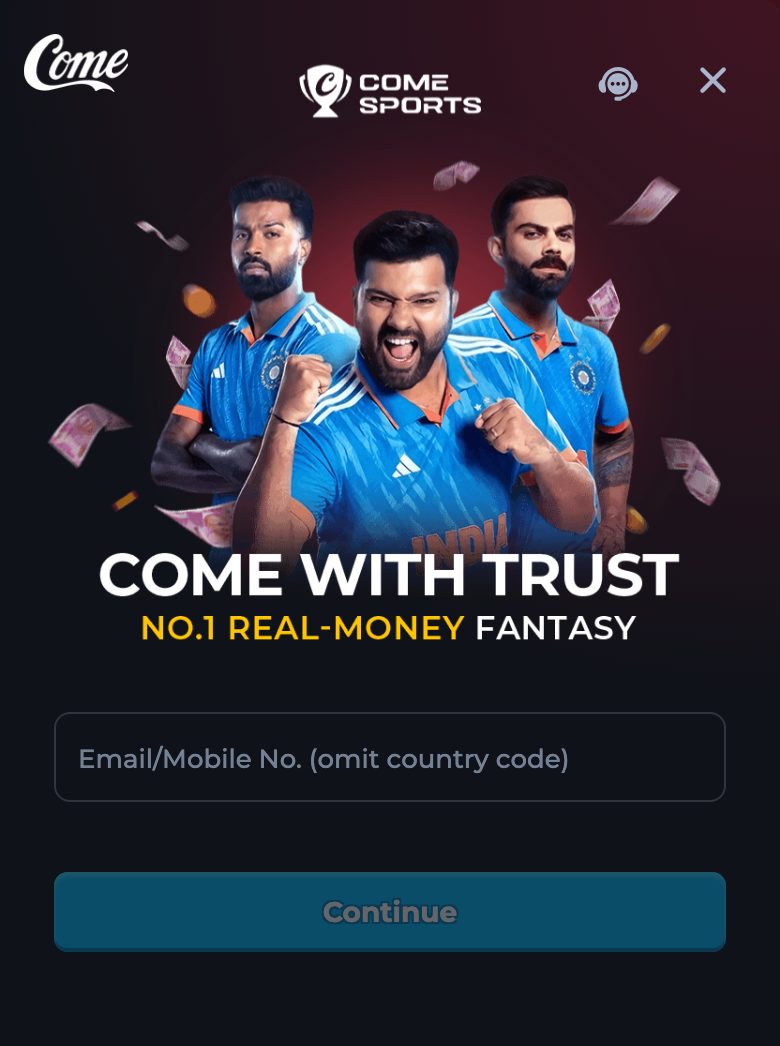
yono.apk installs on Android. It does not install on an iPhone. On an iPhone, press Play and use the channel in the browser. This preview does not publish an Apple store page, because it does not have one.
When this applies
Use this guide when the phone is an iPhone or an iPad, when someone sent the apk to that phone, or when a page elsewhere promised an iOS build of this same file. Also use it when you are on Android and only want to know that you are in the right place: you are, and the download guide is the next page.
A browser on the iPhone is enough for the channel. You do not need a file at all for that visit. The website or app page says the same thing from the website side. Stay in the browser even if a chat message calls the attachment an iPhone version of the same 1.0.1 file.
What the file is
The measured file is an Android package, version name 1.0.1, 2,569,509 bytes, label Yono. iOS does not run that package. Saving it in the iPhone’s files app does not create an icon and does not partially install. It only uses storage. Delete it if you saved it by mistake.
There is no second file on this preview with a different extension for Apple devices. Anyone who attaches one and calls it the iPhone build of version 1.0.1 is outside this guide. Do not trust the caption. There is nothing here to compare that caption against, because the iPhone file does not exist in this set.
Do this on an iPhone
- Ignore the apk if it is already in Files or in a chat. Do not open it expecting an installer.
- Open this preview in Safari, or in Chrome. The channel’s own strings mention Safari Browser and Google Chrome by those names.
- Press Play. Allow a new tab if the browser asks. The address should keep the seo_channel query.
- On Log In, use Email/Mobile No. (omit country code). The browser form accepts an email or a mobile number. That wider field is the website form, which is the one an iPhone can actually reach.
- Finish the verification code on the iPhone. Do not forward the code to another phone to “complete the install”.
- Use the channel in that tab. Casino, Fantasy, Rummy, and the other labels are documented on the game guide.
- If Play does nothing, allow pop-ups or paste the address, as the website’s open guide describes. Still do not install a file.
What to do if you are actually on Android
Then this page is only a warning you can leave. Download APK, check 2,569,509 bytes, and read version name 1.0.1 after install. The iPhone limit does not apply. A tablet that runs Android is in the Android column, even if the screen is large.
A tablet that runs iPadOS is in the iPhone column. Browser only.
Android and iPhone
| Device | Download APK | Play in the browser |
|---|---|---|
| Android phone | Yes, if the size and version check pass | Also yes |
| Android tablet | Yes, same file | Also yes |
| iPhone | No. The apk will not install | Yes. This is the door |
| iPad | No | Yes |
| Desktop browser | The file downloads, and still needs Android later | Yes, for the channel today |
After Play is open on the iPhone
You are on the same channel the Android app opens. Login, history, and the game labels are the same subject as the other guides. You will not get a home-screen icon from these pages. Add the tab to bookmarks if you want a faster return. Bookmark the Play address, not a chat link.
Deposit, if you use it, is still the channel’s Deposit label. These pages still print no minimum and no clock. The lack of an iPhone file does not change that.
If someone insists an iPhone file exists
Ask which button on this preview serves it. There is no such button. A link that claims to be an App Store page for this version is not a link we published. Close it. Profiles, certificates, and “enterprise install” prompts on iOS are a different product’s problem and a common way to dress up a file this guide does not ship. Do not approve one because the caption says Yono.
Use Safari or Chrome and Play. If the tab will not open, it is the pop-up issue, and the website guide covers it. The answer remains a tab, not a profile install.
What this page will not invent
It will not invent a store URL, a TestFlight code, or an iOS version name. It will not say the Android file can be converted. Version name 1.0.1 describes yono.apk only. On an iPhone the honest choice is the browser channel. Bookmark that Play tab if you want to return without a chat link in the way.
Questions
Can I install yono.apk on an iPhone?
No. It is an Android package. Use Play in Safari or Chrome.
Is there an App Store link?
Not on this preview. Do not trust one that arrives in chat.
The apk is in my Files app. Is it halfway installed?
No. Delete it if you do not need the Android file on that device. It will not become an icon.
Can I use email login from the iPhone?
Yes, on the browser form. The email block applies to the Android app, which the iPhone is not running.
I will switch to an Android phone later. Is it the same account story?
Use the field on the screen you have that day. The app field is mobile only. The browser field accepts email or mobile.